Why Your Video Production Edit Feels “Off” (Even With Great Footage)
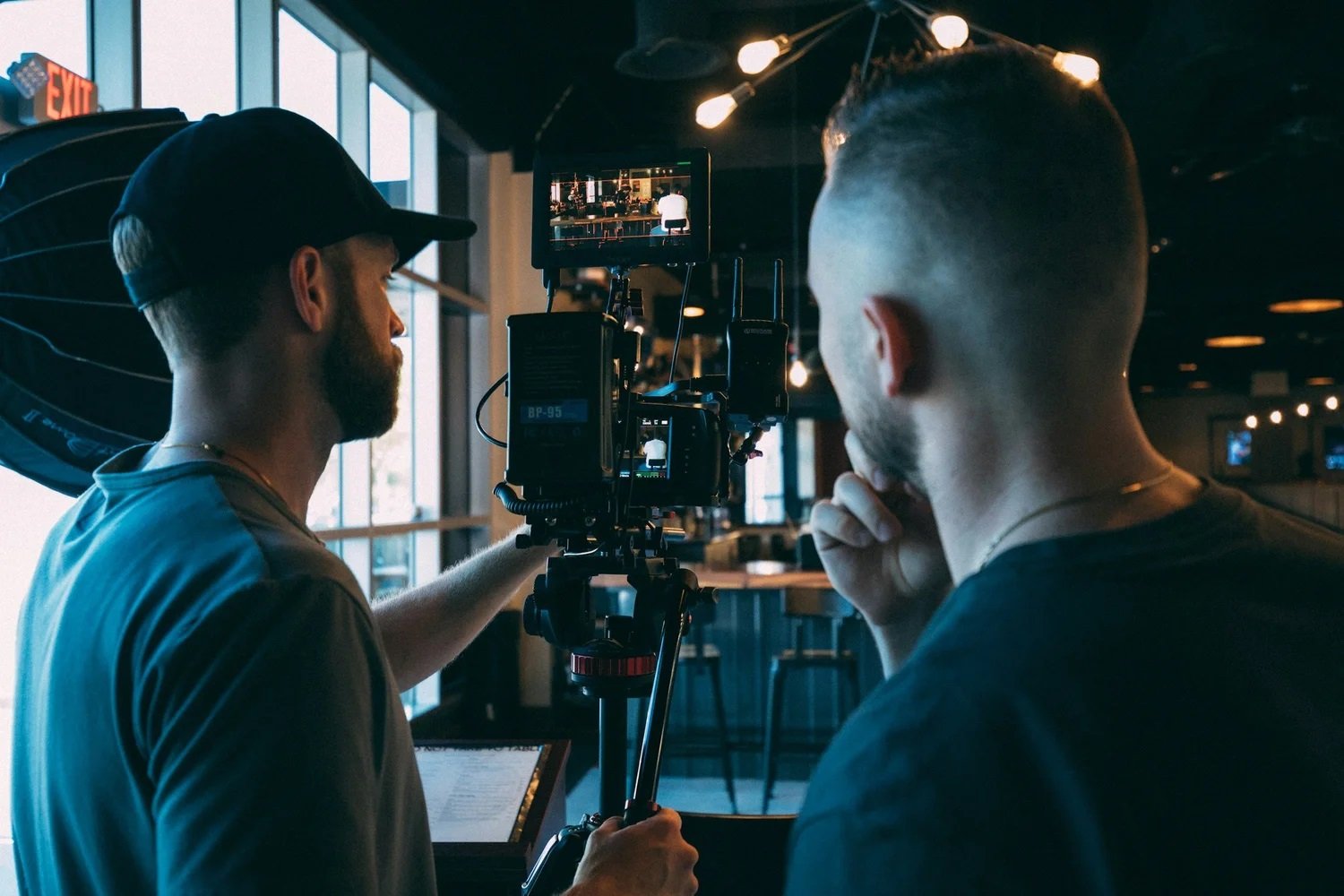
If your footage looks sharp but the finished edit still feels flat, choppy, or oddly “not you,” you’re not imagining it. Most edits feel “off” for simple reasons that hide in plain sight: the story isn’t clear, the pacing doesn’t match the audience, the audio doesn’t feel clean, or the footage mix doesn’t give the editor enough bridges between ideas.
The good news is that this is fixable without reshooting everything when you know what to diagnose first. In this blog, we are going to study how to spot the real cause behind a weak edit, how these services are used in business marketing, and where video deliverables usually live (LinkedIn, websites, ads, internal updates). If you’re investing in San Francisco Video Production, getting the edit right is what turns “good footage” into content people actually watch.
Start With The Story
When an edit feels off, it’s often because the viewer can’t answer one basic question quickly: what is this about, and why should I care? Great visuals can’t carry a muddy message.
A strong story spine usually includes:
A clear “who this is for” in the first 5–10 seconds
One main promise (not three competing ones)
Proof that feels real (a result, a demo moment, a believable example)
A clean finish that tells the viewer what to do next
A real example: a team filmed a great office walkthrough, but the edit tried to cover culture, recruiting, and product all at once. Once they focused on recruiting, the same footage felt stronger with a tighter middle and a cleaner narration order. Working with a Videographer For Business helps early because the shoot stays aimed at one clear outcome.
Why Does The Edit Feel Off?
Most edits feel “off” not because the footage is bad, but because the decisions in the cut do not match the audience or the platform. Common causes include a slow opening, music that clashes with your brand tone, awkward cut points that make the flow feel jumpy, the strongest line buried too late, or visuals that do not match what’s being said.
Think of the edit like a conversation. If it keeps switching topics, people tune out. If it gets to the point quickly and stays focused, viewers relax and keep watching. A simple fix is running a quick video edit review checklist for marketing teams before approval to confirm the first 10 seconds are clear, the story stays consistent, and the visuals support the message instead of competing with it.
Fix Pacing And Flow
Pacing is often the difference between a video that feels polished and one that feels longer than it is. Even 45 seconds can drag when the edit doesn’t move with purpose. A few fixes usually help fast: trim repeated lines, get into the action earlier, tighten transitions once the setting is clear, and bring the strongest quote closer to the front so everything else supports it.
For example, one founder interview improved immediately when the editor pulled the best sentence forward and covered the cut with B-roll, keeping the speaker natural while making the flow feel sharper. With a Video Production Company San Francisco, pacing should also match where the video will be used; website clips can breathe a bit, while LinkedIn posts and ads need quicker clarity.
Clean Audio Matters
People will forgive an imperfect shot. They rarely forgive muddy audio. If the sound feels thin, echoey, or inconsistent, viewers subconsciously assume the whole video is less credible, even if the visuals are strong.
A few practical audio upgrades that improve edits dramatically:
Record a clean mic track for the main speaker whenever possible
Keep background music under the voice (it should support, not compete)
Reduce harsh room echo with simple positioning and softer spaces
Make sure volume levels stay consistent from clip to clip
A team filmed a product demo in a bright open office, but the room sound made the voice feel distant. They fixed it without reshooting by capturing one clean follow-up line and tightening the mix. For interviews, how to prep interview audio for smoother editing comes down to choosing a quiet corner, keeping the speaker close to the mic, and avoiding loud HVAC noise.
Use Footage With Purpose

Even “great footage” can lead to a weak edit if there isn’t enough variety to connect one moment to the next. That’s why purposeful B-roll and a few context shots matter, real work in motion, cutaways that match what’s being said, a wide shot for orientation, and tighter detail or reaction moments to keep the story moving.
For example, one launch video felt flat because everything was stage-only; once the edit added audience reactions and hands-on demo clips, it instantly felt more alive and watchable. This is why teams invest in San Francisco Video Production. A smart capture plan gives editors the building blocks they need for a smooth, intentional final cut.
Align With Where Used
A video can feel “off” simply because it was edited for the wrong destination. A website video and a social video don’t behave the same way.
Where these videos often get used:
LinkedIn posts and company pages (fast hook, human credibility)
Website hero sections and service pages (clear message, clean polish)
Ads and landing pages (tight benefits, quick proof)
Recruiting pages and internal updates (real culture, real tone)
A practical example: a team used the same 90-second edit everywhere. Engagement was weak on social. Once they created a shorter cut with a stronger opening, the social performance improved, without changing the core footage.
A good Videographer For Business will usually plan edits as a set of deliverables, not a single “final video,” because different platforms need different pacing and structure.
Turn Great Footage Into Results
If your edit seems wrong, it’s not because of skill or hard work; rather, it could be due to the clarity, timing, sound, and whether the video footage aligns with the narrative that you are telling. With these elements working in harmony, what seemed complicated and difficult before becomes concise, coherent, and on-brand without any added complexity.
In selecting which video production companies SF to go with, it’s best to find someone who understands that the editing process isn’t just a technical step, but one where business results should be kept in mind. At Slava Blazer Photography, our experts understand that San Francisco Video Production requires a structured process, strong story planning, efficient capture needs, and editing that is ready for business use, so that the resulting video makes sense, has direction, and is worthy of viewing.
Frequently Asked Questions
How do I know whether it is a storytelling issue or an editing problem?
If I cannot come up with one-sentence summary about the video based on what I watched for 10-15 seconds, it means that it is a story problem. In case the meaning is understood perfectly but the flow does not seem to go smoothly, this is an editing structure problem. Most video teams solve this problem using a tight introduction, moving the best line closer, and cutting out repetitions.What should I give a video team to get a better final version?
A short brief helps more than people may think: audience, main goal of making the video, where it will be published, and two to three references to the desired style. If there are things I have to put into the video, I make a list of those (features, proofs, important sentences).Is it possible to correct a poorly executed edit without remaking?
In most cases, yes. The majority of edits could be improved by adding proper structure, audio mixing, more engaging beginnings, and appropriate use of B-roll footage. Remakes are necessary if essential coverage is lacking, if there’s bad audio, or if there’s a need for proof footage that hasn’t been recorded. Reviewing footage correctly allows identifying the issues that can be solved without remaking.What is the ideal length for a business video that will have enough time for a proper edit but won't seem rushed or slow?
The answer will depend on the platform. If it's intended for a website hero clip, an optimal duration would be from 20 to 45 seconds. As for social media platforms like LinkedIn, videos are likely to be successful if they make their point fast and aren’t longer than 60 to 90 seconds. Ads tend to be more effective if they’re concise, particularly if the beginning conveys their primary message quickly.How can I create an edit that seems more “on brand”?
Consistency is the easiest thing you can do. Choose similar music, use consistent colors and lightness throughout the video shots, and have a clean style for any text overlays (if applicable). The most important thing to keep in mind, however, is whether the opening of the video matches the brand personality, whether it be premium and soothing, dynamic and trendy, or warm and people-centric.
