Video Production Planning for Product Launches and Live Events

Product launches and live events move fast, and that’s exactly why video planning matters more than gear. When the schedule is tight, the room is crowded, and your team is juggling speakers, demos, guests, and timing, the footage you get depends on what you decided before the doors opened. A smart plan keeps the moment feeling real while still capturing the clips your marketing team actually needs afterward.
In this blog, we will discuss how to plan coverage for launches and live events, what to capture first, how to avoid missed moments, and how to make sure the final videos work across LinkedIn, websites, ads, and internal updates. If you’re booking San Francisco Video Production, the goal is simple: walk away with usable content, not a folder of “almost” shots.
Clarify Launch Objectives
Start by deciding what success looks like on video. A launch event can produce a highlight reel, short ads, a founder message, customer reactions, and product demo clips—but trying to get everything without priorities usually leads to thin coverage.
A practical way to set direction is to choose:
One primary output (your main highlight or recap)
Two secondary outputs (demo cutdowns, testimonial snippets, a short founder clip)
One internal use (team recap, investor update, recruiting content)
A real example: a startup launching a new device filmed a tight 45-second recap for LinkedIn, then captured three short demo moments that sales used in outreach for weeks. Same event, different assets, all planned.
This is also where a Videographer For Business helps, because the plan is built around outcomes, not just filming whatever happens.
Build The Run Of Show
Your camera plan should follow the event plan. If your videographer only receives a schedule five minutes before doors open, you’ll lose key moments, or capture them from the wrong place.
Ask for (or create) a simple run-of-show that includes:
Arrival window and guest flow
Start time, speaker order, and any stage cues
Demo times, ribbon cuttings, product reveals, or announcements
Where the “energy moments” will happen (applause, first reactions, photo ops)
Here’s the tradeoff: a rigid plan can feel controlling, but a loose plan can miss the reveal. The sweet spot is knowing the must-capture moments while keeping the camera team flexible.
In strong Corporate Video Production San Francisco work, the schedule isn’t treated like a calendar, it’s treated like a map for camera placement and timing.
What Must Be Captured?
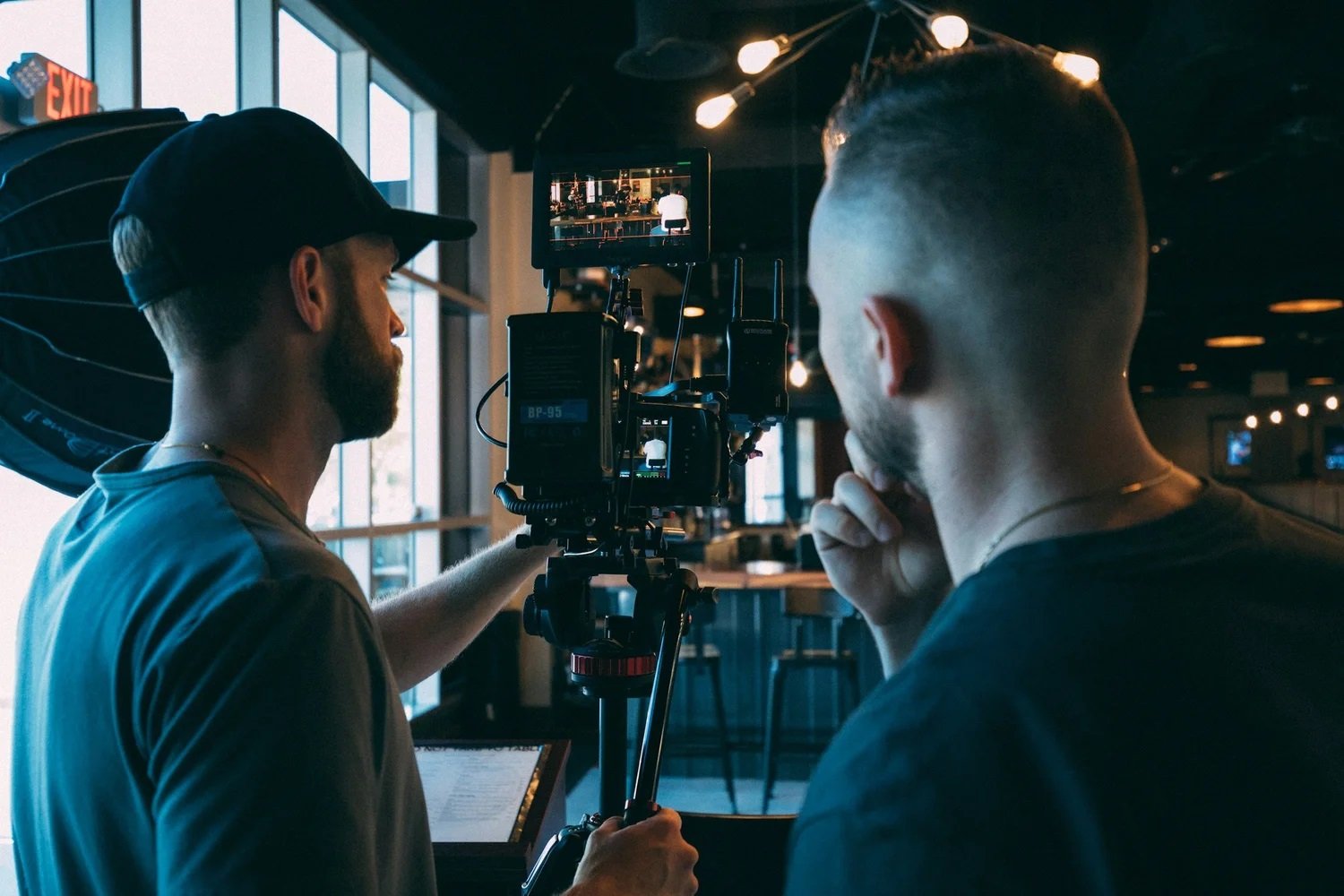
If you only get one shot at a reveal, you want coverage that tells the story cleanly: anticipation → moment → reaction → context. That means filming more than the product. It means filming what it meant to the room.
Core moments worth prioritizing:
The reveal itself (wide + tight if possible)
Audience reaction (faces, applause, phones coming up)
A clean demo moment (hands, product in action, key feature)
A short “why this matters” line from a founder or lead
Branding anchors (signage, stage, product name, venue context)
A quick example: at a live demo, the footage that performed best wasn’t the wide stage shot—it was the close shot of a user trying the product for the first time, followed by a founder line that framed the benefit. That sequence felt human, so people watched longer.
If you’re working with a Videographer For Business, this is where the shooting style shifts from “event coverage” to “launch story.”
Prep The Space
Launch videos look premium when the space is set up for clean visuals and clean audio. You don’t need a perfect venue, but you do need a few small choices that prevent avoidable problems.
Before filming starts, check:
Lighting: avoid harsh backlight behind speakers where possible
Backgrounds: keep key filming zones free of visual clutter
Audio: confirm mic access, speaker feed, or a quiet backup position
Walkways: make sure camera positions won’t block guests or staff
A real situation that happens often: the speaker is framed perfectly, but a bright window behind them turns them into a silhouette. Shifting the angle slightly, or changing the speaking position a few feet, can save the footage without changing the event experience.
This is one reason San Francisco Video Production planning matters for live settings—the room often dictates the shot unless you plan for it early.
Capture For Multiple Channels
A launch video rarely lives in one place. It might start on LinkedIn, then get cut into ads, then become a website clip, then get reused in sales outreach. Planning for that upfront is what makes one event last for weeks.
A practical approach is to capture:
One clean horizontal version for website and YouTube
A few vertical moments for reels and shorts
Short soundbites that can stand alone without heavy context
Cutaway shots that make editing smoother (hands, signage, crowd movement)
One example: a product launch team needed a recap for LinkedIn, but also wanted three short vertical clips for paid campaigns. They captured the same key demo moment twice, once wide for context, once tighter for vertical, and it saved a reshoot later.
If your goal includes product launch video coverage that drives post event sales, this is where it’s won: filming for the platforms you’ll actually use, not only for the “main video.”
Plan Post Event Editing
The event ends, but the real value comes from what you publish next. If editing isn’t planned, teams often sit on footage for weeks and lose momentum.
A simple post-event plan helps:
Decide the first deliverable and deadline (often 24–72 hours)
Identify the 5–8 must-use moments (reveal, reactions, demo, key line)
Choose the tone: polished and cinematic, or fast and social-ready
Confirm where each cut will be used (LinkedIn, ads, site, internal)
A helpful mindset for live event filming plan for social media cutdowns is to treat every major moment as a future “clip,” not just part of a recap. It keeps the edit tight and the content reusable.
This is also where Corporate Video Production San Francisco becomes a business tool: fast turnaround and clear deliverables make the launch keep working after the room clears.
Make The Release Easy
The best launch videos feel effortless because the planning happened quietly. When you know what matters most, follow the run-of-show, capture reactions, and plan for multiple channels, you stop relying on luck. The footage becomes a usable library: recap content, demos, short clips, and proof that the event had real energy. If you’re investing in San Francisco Video Production, the smartest win is a shoot day that produces content you can publish quickly and reuse confidently.
And at Slava Blazer Photography, our team approaches launches and live events with a calm, structured workflow, clear capture priorities, unobtrusive coverage, and edits designed for real marketing use, so your event looks polished without feeling staged. If you’re planning a launch or live event and want video that’s ready to use fast, reach out for a quick quote and a simple coverage plan.
Frequently Asked Questions
How long should a product launch recap video be?
Most teams get the best engagement with a 30–60 second recap for social, plus a longer 90–120 second version if you need more context for a website or partners. The best length depends on where it will live, but a tight edit usually performs better than trying to include every moment.What’s the biggest mistake teams make when filming live events?
They focus only on the stage and forget reactions, demos, and real human moments. The result is footage that proves the event happened but doesn’t communicate energy or value. Capturing faces, interactions, and short, clear soundbites is what makes the final video feel believable.How soon should event video be delivered after the launch?
If the goal is marketing momentum, try to publish within 24–72 hours while the event is still fresh. Even a short “first cut” helps. Longer edits, multiple formats, and polished versions can follow, but fast delivery is what keeps the launch conversation alive.
