LinkedIn Headshot Photographer San Francisco: How to Prepare for a Stronger Professional Profile

KEY POINTS:
• Define the professional message your LinkedIn headshot should communicate.
• Choose clothing that reflects your role, industry, and daily work style.
• Keep grooming polished, familiar, and natural before the session.
• Select a simple background that keeps attention on your face.
• Practice relaxed expressions instead of forcing a fixed smile.
• Plan image crops for LinkedIn, websites, speaker pages, and email signatures.
• Bring two or three prepared outfits for more flexibility.
• Arrive early, rested, and ready to review a few test images.
• Request both high-resolution and web-ready versions of the final photos.
• Use thoughtful preparation to create a stronger and more credible professional profile.
Your best LinkedIn photo should convey that you are current, confident, friendly, and right for your job. Booking a session with a LinkedIn headshot photographer that San Francisco professionals trust is more than just choosing a jacket and showing up on time. The final result depends on clothing, grooming, background, pose, facial expression, image crop, and intended use. A tech founder might want a relaxed and contemporary portrait, while a lawyer or financial advisor may want something more traditional. The best preparation starts with understanding how you want to be seen by your colleagues, recruiters, clients, and business partners. Also good to tell the photographer your role, industry, and profile goals before the shoot. In this blog, we'll guide you through making a professional LinkedIn headshot that will boost your profile and work on various career and business platforms.
Define Your Profile Goal
Think about what you want your headshot to say before you pick a background or clothing. A senior professional might want to look confident and polished, while a consultant might want to look friendly. There’s also a more relaxed atmosphere for creative professionals that still looks professional.
Ask yourself a few practical questions:
• Who is most likely to view the profile?
• What type of work are you seeking?
• Does the image need to support a company role?
• Should the photograph feel formal or modern?
• Will the image appear on other platforms?
A marketing manager may want one portrait for LinkedIn and one for conference profiles. The photographer plans these uses so that each image is framed correctly. Your expression should suit your role as well. "Calm smile" may be good for client-facing work. "Focused look" may be good for technical or executive positions. Choose the one that sounds most natural and fits your professional persona.
Choose Clothing with Purpose

The clothes can really change the look of a headshot. Dress in clothes that reinforce your normal professional image. A corporate headshot photographer in San Francisco that teams hire may recommend structured clothing and neutral colors for executives or lawyers, but creative professionals may show up looking more natural in smart business casual.
Useful preparation tips include:
• Select well-fitted clothing
• Avoid very small patterns
• Choose colors that suit your skin tone
• Bring a second jacket or shirt
• Remove distracting accessories
• Check collars, buttons, and lapels
• Steam or press clothing beforehand
Solid colors are good. They don’t take the eye away from your face. Don’t go for bold patterns, big logos, and heavy textures, which can be distracting in a small image on LinkedIn.Come prepared with two outfit options for more flexibility, such as a blazer and a simple shirt or blouse. Wear something that you are comfortable in, and that allows you to move naturally and keeps your posture confident.
Prepare Grooming Without Overdoing
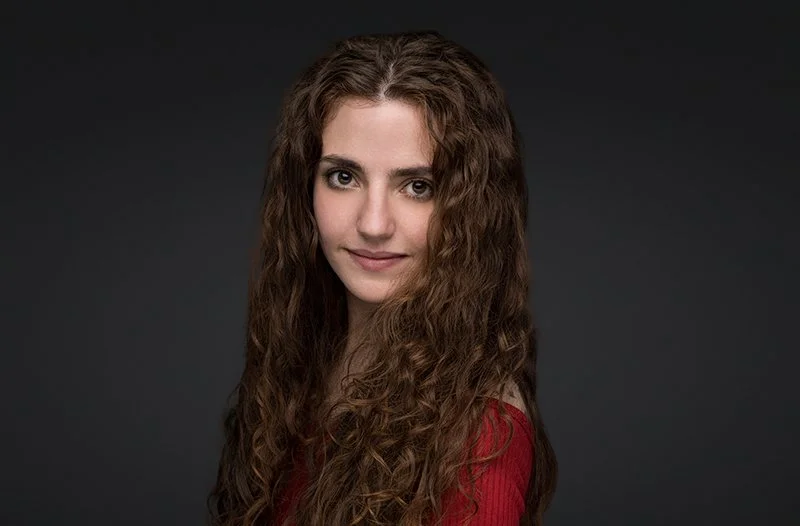
Your grooming should make you look polished, and you should look like you. Don’t do anything drastic to your hair before the shoot. Just style it as you normally would. If you are planning a haircut, get it a few days ahead. Natural make-up is usually best. Focus on diminishing shine, evening out skin tone, and defining features without changing your everyday professional look.
Facial hair should be well groomed. Personal readiness is important. Here is what people searching for the best headshot photographer near me should remember. Pack simple touch-up items, such as a comb, lip balm, blotting paper, lint roller, and an extra shirt or blouse. The most popular grooming options for a more confident, natural headshot.
What Background Works Best?
The best background is one that enhances your professional identity without competing with your face. It can be a clean studio color, a softly blurred office set, an outside location, or a real work setting. The neutral studio background makes the image look clean and flexible. It’s a good fit for when the photo is going to be used on LinkedIn, company websites, speaker pages, press materials, and professional directories.
Environmental background can provide context. For example, an architect might prefer a modern building; a consultant might use a softly blurred office. The background must be simple enough to maintain the viewer’s focus on the person. Professional headshot photography in Bay Area sessions usually offers a few options based on the client’s role and purpose. A neutral image is best for formal platforms, but a company about page may benefit from a more personal office-based portrait.
Consider these background factors:
• Does it match the industry?
• Will it work with the chosen clothing?
• Is it too busy at small sizes?
• Can the image be cropped easily?
• Does it fit other professional platforms?
LinkedIn displays profile photos in a small circular format, so detailed backgrounds may lose their value. A simple background with clear separation between the person and the setting often works best.
Practice Natural Facial Expressions
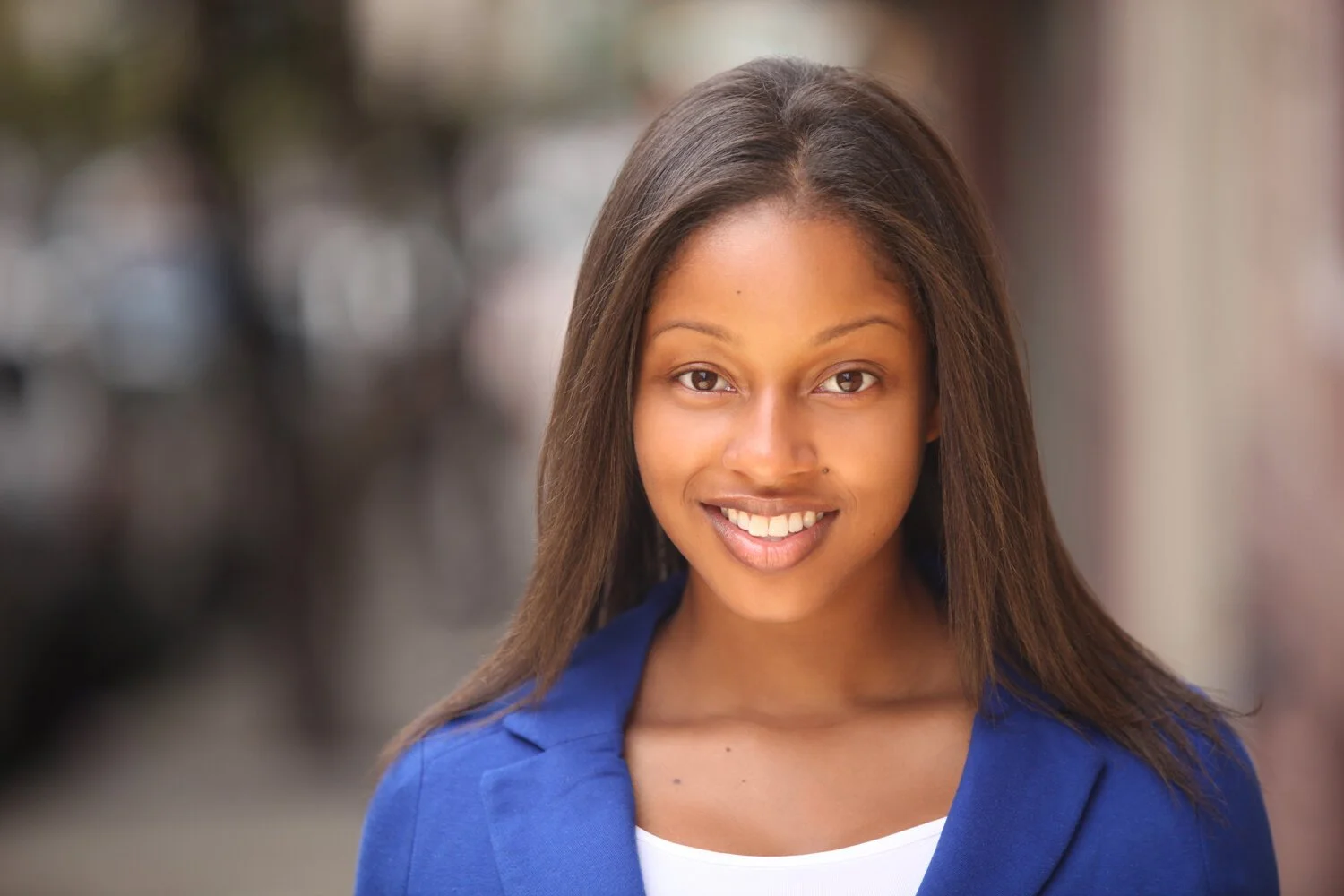
Many people look stiff in professional portraits because they try too hard to hold a pose or force a smile. Small movements, relaxed breathing, and slight adjustments to the shoulders, jaw, and chin can create a more natural expression.
A good LinkedIn profile photo photographer will guide these changes, so you do not need to know how to pose beforehand. Before the session, practice relaxed expressions in a mirror, but avoid rehearsing one fixed smile.
During the session:
• Keep the shoulders relaxed
• Breathe normally
• Avoid pressing the lips together
• Focus on the photographer’s direction
• Make small changes between frames
• Allow the eyes to stay engaged
A strong LinkedIn expression should feel open and confident. It does not need to be overly cheerful or serious. The final choice should look believable to people who meet you in real life.
Plan for Multiple Uses
A professional headshot can do so much more than just help your LinkedIn profile. It may also appear on a company website, email signature, virtual meeting account, speaker page, proposal, press release, or professional directory. Write down beforehand what platforms you might need the image on. This allows the photographer to take different crops and orientations. LinkedIn tends to crop very tightly to a square. A bio on a website might feature a wider vertical or horizontal image.
As a LinkedIn headshot photographer in San Francisco, you should ask if the photo will be used only for a profile or for multiple business materials. It affects the composition, the clothing, the background, and the degree of space left around the subject.
For example, a business coach may need:
• A square image for LinkedIn
• A horizontal portrait for a website banner
• A vertical image for a speaker biography
• A smaller crop for an email signature
One well-thought-out session can give all of these. Easier than trying to make a single image bigger, or cropping or editing it later. Ask for the high-res and web-ready files. High-resolution images are good for print and media requests, while smaller files load quicker online. Clear file names also help you select the right version when you update different profiles.
Prepare for Session Day
Good preparation keeps the session calm and productive. Confirm the location, arrival time, clothing, and image goals a day before the appointment. Rest well, stay hydrated, and arrive early enough to check your appearance and settle in. Bring two or three planned outfits rather than too many choices. LinkedIn headshot photographer San Francisco services may be needed again if your role, appearance, or career direction changes, but careful preparation can make your images useful for several years.
On the day:
• Arrive with clean, prepared clothing
• Check hair and grooming before shooting
• Silence your phone
• Share any last-minute concerns
• Review a few images during the session
• Ask for small adjustments when needed
Viewing selected frames can help you understand which expressions and angles are working. It also allows the photographer to refine the session before it ends.
Build a Stronger Profile
A strong professional portrait requires a lot of preparation. Your clothes, your grooming, your background, your body language, and your facial expression all must fit your professional purpose. Having images planned for LinkedIn, corporate websites, speaker bios, email signatures, and media use helps as well.
At Slava Blazer Photography, we take professionals through every step of the headshot session. Using your industry, profile goals, clothing, background, and expression, we capture polished portraits that hold onto your personality while raising your professional image.
Frequently Asked Questions:
What to Wear for a LinkedIn Profile Picture?
Wear clean and well-fitting clothes that are appropriate for your industry and your everyday work wardrobe. Simple patterns and solid colors tend to guide the eye upward to the face.Should you smile in a LinkedIn profile photo?
A natural smile can make a face seem approachable, but for some roles a calm, confident expression is better. The phrase should be industry- and career-goal relevant to the person.How often should a LinkedIn photo be updated?
As a rule of thumb, a profile photo needs to be updated every two to three years, or sooner with a major change of appearance, position, or professional direction.Studio vs. Office Background: Which is better?
You get the flexibility of a studio backdrop with a refined appearance. An office background provides context. The correct choice is dependent on the industry, role, and intended use.Can one headshot be used across multiple platforms?
Yes. A well-composed image can be used for company websites, email signatures, speaker pages, virtual meetings, professional directories, and cropped for LinkedIn.
