How to Plan One Video Shoot That Feeds Weeks of Business Content
Most marketing teams now expect a single filming day to give them enough clips for weeks of content. Someone suggests booking a video crew for a brand story, and suddenly social media wants vertical cuts, paid ads need variations, and leadership asks for a polished hero video on top. Without a plan, that one shoot becomes rushed, confusing, and more expensive than it should be.
In a region where Bay Area Video Production supports launches, recruiting, webinars, and ongoing campaigns, planning the shoot around your smallest assets first is usually smarter than building only one long piece. This guide is meant to walk you through how to design one shoot that comfortably feeds many short videos for social, so your team walks onto set with a clear map instead of vague hopes. It is practical, not theoretical, by design here.
Why one shoot matters
A single, well planned shoot concentrates your budget, your team’s energy, and your subject’s time into one focused window. Instead of pulling leaders, customers, or staff away from their day job multiple times, you give everyone one clear date, one location, and one plan. That alone reduces friction.
The bigger advantage is what happens afterwards. When you think ahead about how many short clips you need, a filming day becomes a content engine, not a one off event. For example, a tech company filming in its San Francisco office can capture a core brand story, then layer in short answers to common questions, product close ups, and quick culture moments in the same environment. Treated this way, a single shoot content plan for Bay Area brands turns into a library of usable material rather than a single flagship video and some leftover B-roll.
Clarify goals first
Before anyone talks about cameras, sit down and decide what this shoot is supposed to support over the next few months. The more specific you are, the easier it becomes to decide what to film and what to ignore for now.
It helps to list, in plain language:
Which campaigns or launches are coming up
Which social platforms matter most to you right now
What your sales or recruitment teams wish they could show, not just tell
You may realise that short, direct clips answering one question at a time will be more useful than another broad brand overview. Or you might see that you need a mix: a core story for your website and a series of quick clips to keep social channels alive between bigger pushes. Starting with goals stops the shoot from being driven only by what is convenient to film.
How many videos really?

Once your goals are clear, you can estimate how many finished pieces you realistically want from this one shoot. The number is often higher than you first think, especially when you count variations and platform specific edits.
A simple set might include:
One main “anchor” video for your website or campaigns
Three to six short vertical clips for Reels, Shorts, or TikTok
A handful of square or horizontal snippets for LinkedIn and email
A few silent friendly clips that work with on screen text only
For a growing company, this kind of social media video batching strategy for San Francisco teams means you are not scrambling for ideas every time you want to post. Instead, you have a clear list of deliverables that shapes how many interviews to schedule, how long to block the space, and which moments need multiple takes.
Design content pillars
Next, group everything you want to say into a few simple “pillars.” These are themes that can each support several short videos, rather than single lines in a long script. Common pillars include:
What you do and who you help
How your product or service actually works
Proof that it delivers (customer stories, results, outcomes)
What it feels like to work with or inside your company
Each pillar can be broken down into questions, short prompts, or simple statements. For instance, a customer success story pillar could produce one longer case study plus several twenty second clips where different people answer a single question each. For teams commissioning San Francisco Video Production, pillars also help keep multiple stakeholders aligned; people see that their priorities are represented without trying to squeeze everything into one overloaded narrative.
Plan shots and schedule
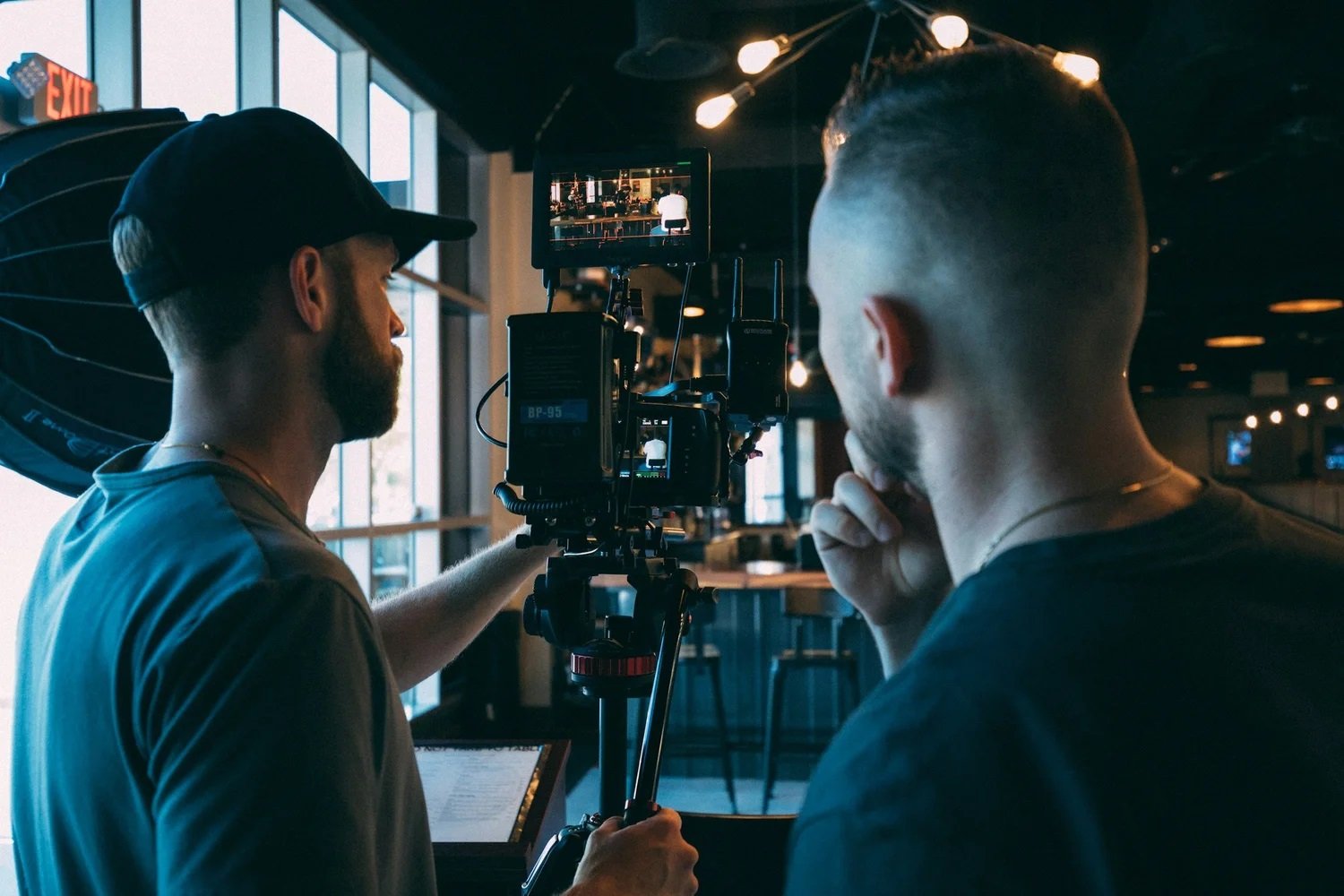
Once you know your pillars and rough list of deliverables, you can build a schedule that respects both creative needs and real world constraints. A well designed shoot day groups similar setups together so you spend more time filming and less time moving lights and furniture.
It is useful to map out:
Which scenes or interviews can share the same backdrop and lighting
When natural light in your space looks best, if you are near windows
Who needs to be on set at specific times so they are not waiting all day
Teams working with San Francisco Video Production crews often start with a simple spreadsheet: columns for time, location, who is on camera, and which pillar or deliverable each segment supports. That document becomes the anchor during the day, keeping everyone aware of what has been captured and what still needs attention before you wrap.
Direct for social formats

If you want one shoot to feed multiple short videos, you cannot treat framing and performance as an afterthought. Social platforms present content in different ways, and viewers behave differently on each. A piece that works well on a landing page may need small changes to land in a feed.
A Videographer For Business experienced with social formats will think about:
Leaving enough “safe space” around a subject for different aspect ratios
Capturing alternate takes where speakers pause cleanly between ideas
Getting a few takes of strong hook lines that can open short clips
Recording room tone and simple cutaway shots to smooth future edits
On the day, it is worth reminding people that some moments are meant to stand alone. A two sentence answer with a clear start and finish is easier to turn into a short clip than a long wandering response that only makes sense in a five minute video.
Turning planning into assets
By the time you walk onto set, the length of your shot list matters less than its clarity. When one carefully planned shoot is designed to feed many short videos, every setup starts working harder for you. Instead of scrambling for ideas between campaigns, your team can pull from a bank of ready to use clips that already match your channels and goals. That shift turns filming from a stressful event into a repeatable system.
At Slava Blazer Photography, our video crew treats this kind of planning as part of the creative process, not an extra step. We help clients map out the story they want to tell across platforms, design shot lists around those pieces, and capture enough variety in one session to keep social feeds active, coherent, and grounded in the reality of how their business actually operates. Contact us today if you’re ready to turn a single video shoot into weeks of clear, on brand content for your team.
Popular Questions Asked
How many finished videos should one shoot aim to produce?
There is no fixed number, but most business shoots aim for at least one main video and several shorter cuts. A useful approach is to decide on a realistic minimum set of deliverables in advance, based on campaigns and platforms you know you will use. From there, the team can look for extra moments and variations during the day without losing focus on the essentials.Is it better to film separate shoots for each social platform?
Not usually. For most organisations, it is more efficient to plan one shoot with multiple platforms in mind. By framing shots with safe margins, capturing alternate takes, and designing content around clear pillars, editors can create versions for different channels from the same source material. Separate shoots make sense only when the audiences, stories, or locations are truly distinct.How far in advance should planning for a multi use shoot begin?
Planning should ideally begin several weeks before filming, especially if multiple departments are involved. This allows time to clarify goals, confirm who needs to appear on camera, secure locations, and build a realistic schedule. Early preparation also gives stakeholders space to align on priorities so the creative team is not trying to solve strategic disagreements on the day of the shoot.
