Event Photos for LinkedIn: What to Capture So the Post Actually Performs
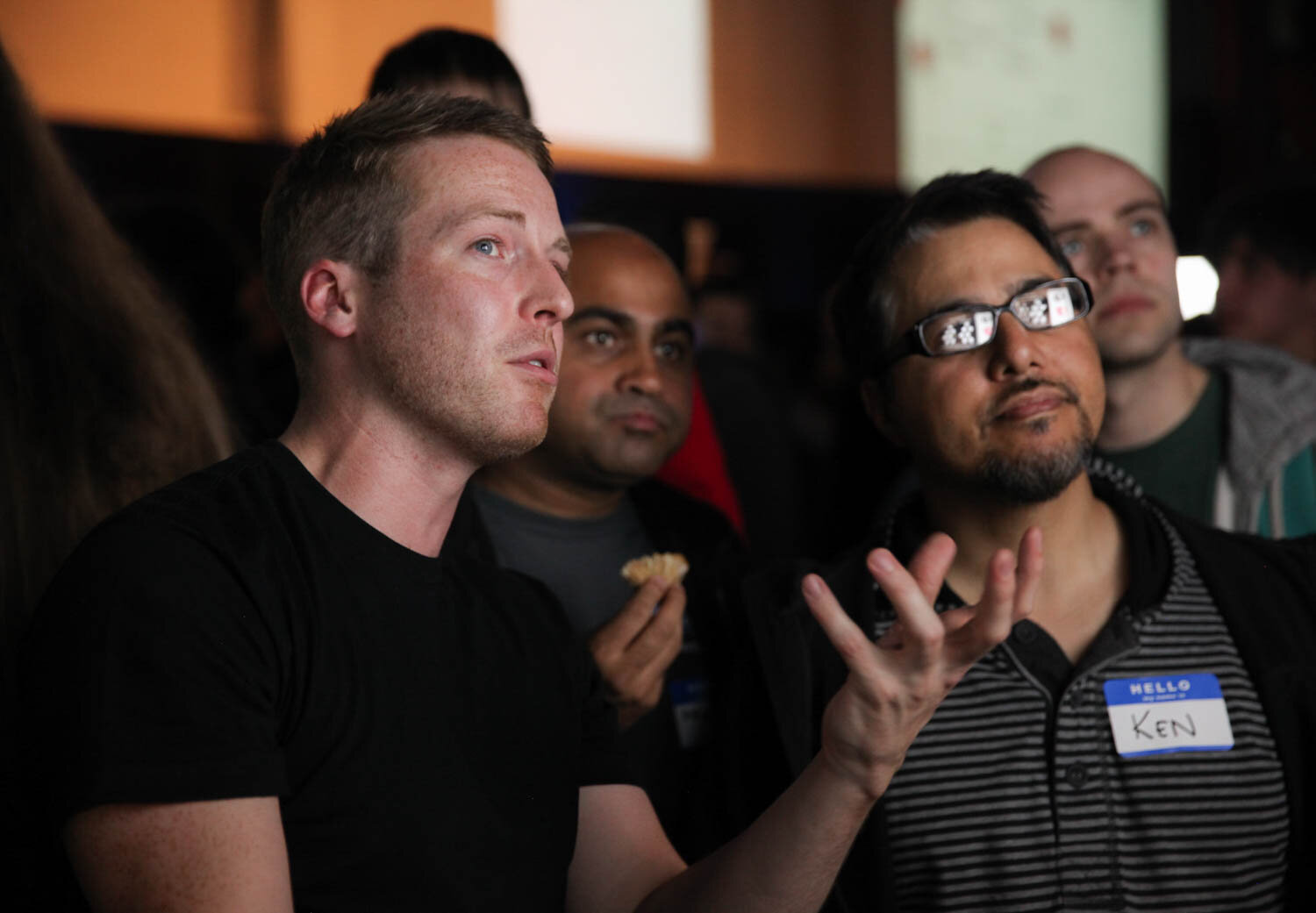
LinkedIn event posts don’t “perform” just because the event had a big budget, a fancy venue, or impressive décor. They perform when the photos communicate a clear business story in seconds, who showed up, what the moment actually looked like, what your brand stands for, and why the event mattered beyond the room.
If you want stronger reach, saves, and comments, you need images that stay sharp and readable in a fast-scrolling feed, look polished even as small thumbnails, and still feel credible instead of overly posed. In this blog, we will discuss which event moments are most worth capturing for LinkedIn, how to plan a shot list that supports a strong recap carousel, and where these images typically get reused after the event across marketing, recruiting, and sales. When you work with Bay Area Event Photographers, you’re not simply paying for coverage, you’re building a reusable content library your team can pull from for weeks, without scrambling for visuals every time you need to post.
Start With The LinkedIn Goal
Before you decide what to photograph, decide what the post is meant to do. LinkedIn audiences respond best when the post has one clear angle. Not five.
Common LinkedIn event post goals include:
Building credibility (proof you’re active in your industry)
Recruiting (showing culture and people)
Demand generation (showing expertise without hard selling)
Partnerships (showing who you collaborate with)
A practical example: a panel discussion can be photographed in a way that either looks like “people sitting on stage,” or looks like “industry leaders sharing insight” with visible audience engagement and brand signage. The second version performs better because it communicates value fast.
This is why planning Bay Area Event Photography around the story is often more important than chasing random “pretty shots.”
Capture The Proof Moments
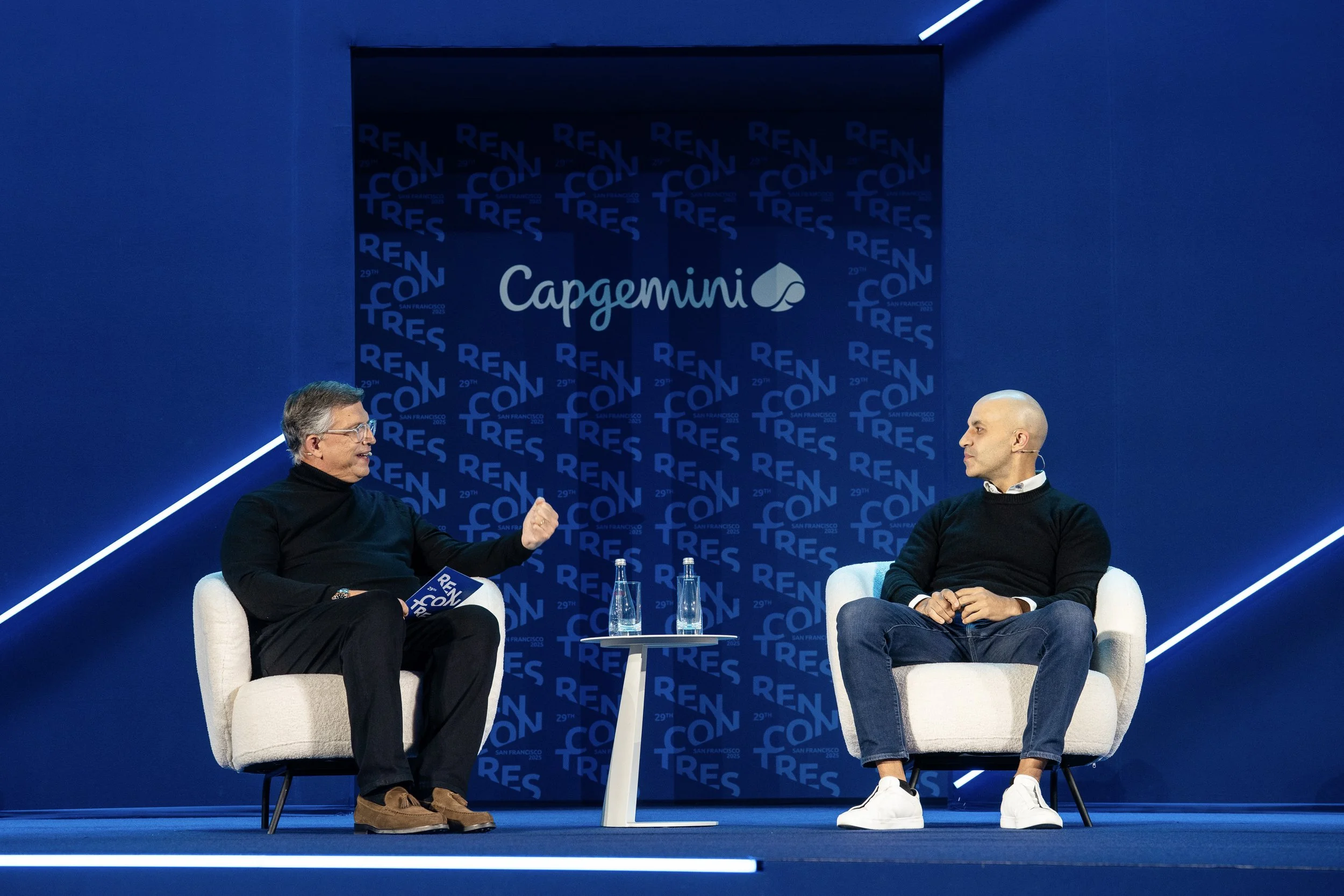
LinkedIn is a credibility platform. People want proof that something meaningful happened. Proof photos don’t have to be dramatic, they just need to look intentional and real.
High-performing proof moments usually include:
A speaker mid-point, with expressive hands and clear eye contact.
Audience reactions (laughing, listening, taking notes, phones down).
A wide shot showing scale, room energy, and stage visibility.
Branded signage that’s present but not overpowering.
One real-life scenario: at a corporate summit, the post that got the most engagement wasn’t the stage photo. It was a shot of two team members talking with a guest near a branded backdrop, because it looked like genuine connection, not “formal event coverage.”
If you want Event Photography San Francisco to support LinkedIn performance, prioritize images that communicate trust and activity, not just décor.
Get People Shots That Feel Real
LinkedIn photos fail when they look stiff, posed, or overly polished. People can sense it instantly. Your goal is to capture “professional, but human.”
The most useful people shots for LinkedIn include:
Candid conversations (small groups, natural gestures)
Handshakes and introductions that look genuine
Team photos that feel relaxed, not forced
One or two “hero portraits” of leaders on-site
A good trick is to photograph people while they’re doing something purposeful: walking to a session, greeting someone, reviewing materials, sharing a laugh. These moments feel like real culture, which is exactly what LinkedIn rewards.
This is where working with Bay Area Event Photographers makes a difference, someone who knows how to blend into the room can capture authenticity without interrupting it.
Which Photos Lead The Carousel?
Yes, carousel order matters. Your first image is the hook. If it’s dark, cluttered, or confusing, people swipe away.
A simple carousel structure that performs well:
Photo 1: the clearest “hero” image (speaker, crowd energy, or brand moment)
Photo 2–3: people + interaction (networking, Q&A, demos)
Photo 4–5: proof of value (panel, workshop, conversation, product moment)
Photo 6–8: brand support (signage, venue detail, sponsor wall, team)
Here’s the tradeoff: if you lead with a wide shot that feels empty, you may show scale, but you lose attention. A tighter hero frame often performs better, even if it doesn’t show the whole room.
If you want LinkedIn event photo carousel order for engagement, treat your carousel like a quick storyline: lead with the strongest hero frame, then layer in people moments, value shots, and brand context.
Plan Around Lighting And Backgrounds
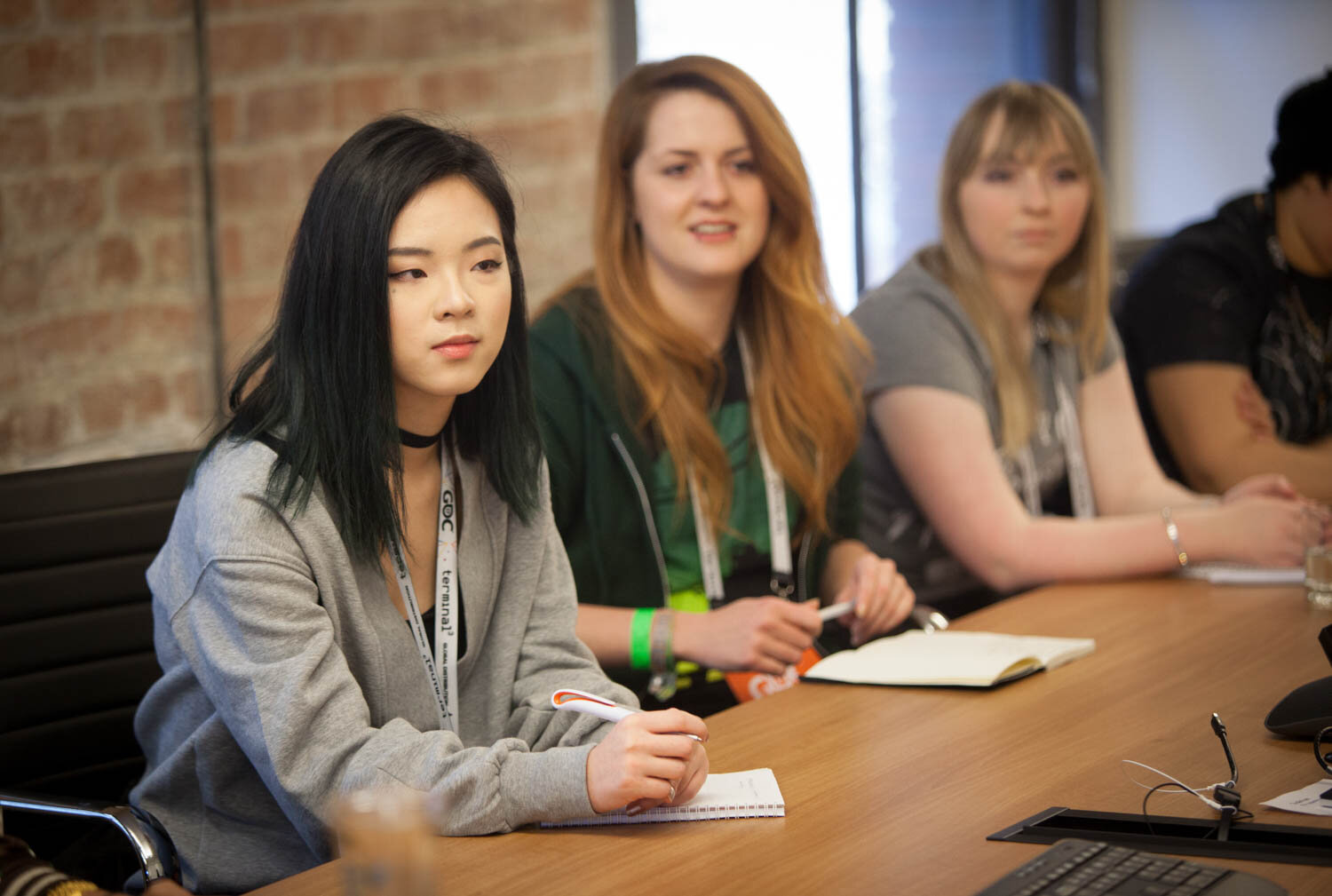
LinkedIn is unforgiving with bad lighting because the feed is bright and fast. Dark images get skipped. Overexposed images look cheap. Busy backgrounds distract from faces and brand.
Practical planning that helps:
Choose at least one “clean background zone” for quick portraits.
Avoid photographing people with bright windows behind them.
Watch for mixed lighting that turns skin tones orange or green.
Keep branded elements in-frame, but not competing with faces.
A real example: in a venue with purple uplighting, networking photos can look unnatural. Capturing those conversations in a neutral-lit hallway or near a clean wall can give you a set of images that instantly look more premium on LinkedIn.
This is where Event Photographer San Francisco experience matters, someone who understands fast lighting fixes can save a whole set of images without making the event feel disrupted.
Where These Photos Get Used
LinkedIn is only one destination. The best event photos keep working across channels, especially in the weeks after the event when your team needs content quickly.
These images are commonly reused for:
Company page posts and leadership profiles.
Website recap pages and newsroom updates.
Sales decks and partnership outreach.
Recruiting pages and internal culture updates.
Email follow-ups to attendees.
A practical example: a single strong speaker photo can be used in a post, a newsletter banner, and a sales email introduction. That’s why the best event coverage is planned like content, not just documentation.
Use this as a reminder of what you’re building: what to photograph at corporate events for LinkedIn, meaning: moments that prove value, show real people, and support trust.
Make The Recap Feel Effortless
The easiest LinkedIn recaps are built during the event, not after it. When you plan a few key moments, speaker frames, audience reactions, team presence, branded proof, and real networking, you give your post a clear storyline without forcing it.
If you want Bay Area Event Photography that supports marketing outcomes, think in terms of “assets” rather than “coverage.” The goal is a set of images you can post immediately and still reuse later without feeling repetitive. And if you’re looking for a smooth, guided experience, at Slava Blazer Photography, our team works in a calm, low-disruption way, capturing polished, human moments that help your LinkedIn recap look credible and on-brand, whether you need Event Photography San Francisco for a conference, a company milestone, or a leadership event. Reach out to our team and let’s plan coverage that gives you a LinkedIn-ready photo set the very next day.
Frequently Asked Questions
How many photos should a LinkedIn event recap include?
For most events, 6–10 strong images are enough. A short carousel with clear variety (hero moment, people interaction, value proof, and brand presence) usually performs better than posting 25 similar shots.What is the best first photo for a LinkedIn event post?
Choose the clearest image that communicates the event’s value instantly, often a speaker moment with audience energy, or a meaningful networking interaction with light, clean composition.Should event photos be edited heavily for LinkedIn?
No. Basic color correction, exposure balance, and straightening are helpful, but heavy edits can reduce trust. LinkedIn audiences tend to respond better to images that look polished yet realistic.
